
The Email Platform Built for Public Health Communicators
- Canadian hosted
- CASL compliant
- Unlimited sending
- Priced in CAD
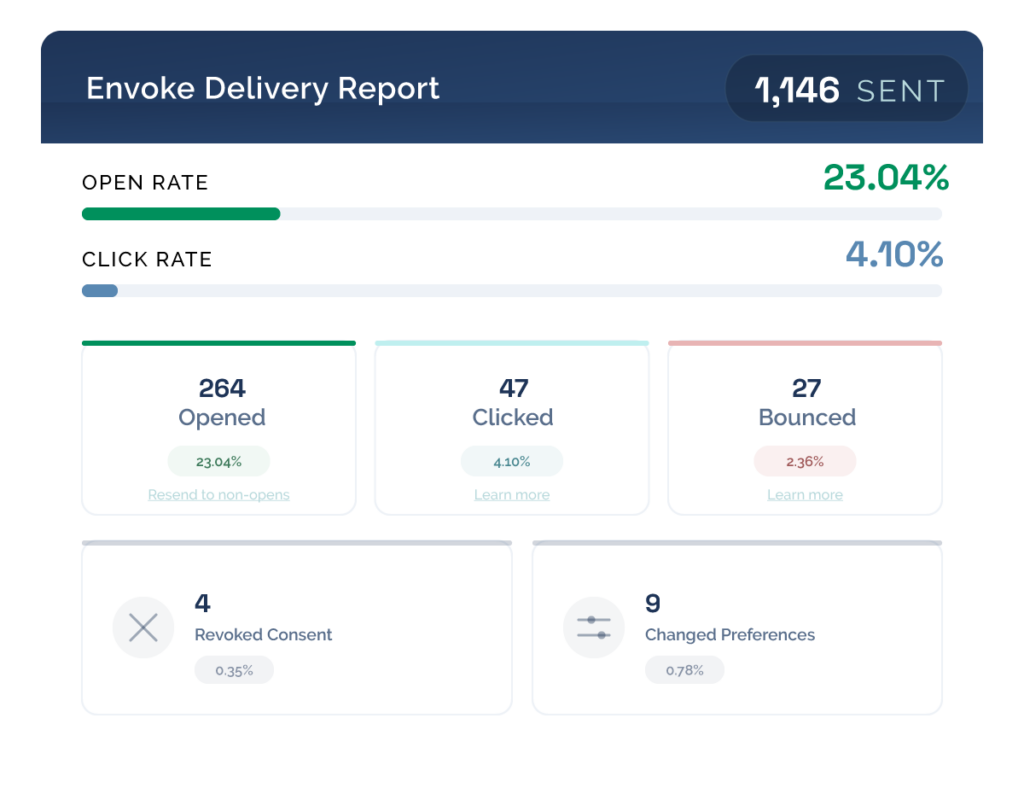
Sending isn’t the same as delivering

Delayed protocol adoption
Staff who miss critical updates can’t act on them.
You find out too late.

Missed compliance deadlines
HR and regulatory communications need a record of receipt, not just a sent timestamp.

Emergency response gaps
During a crisis, you can’t afford to chase down who got the message and who didn’t.

No audit trail
When someone asks “was this communicated?” — you need more than a forwarded email chain.
The Right Tool for Every Kind of Public Health Communication
Most teams are stitching together tools that were never built for this level of accountability. Envoke handles all three communications types in one place.
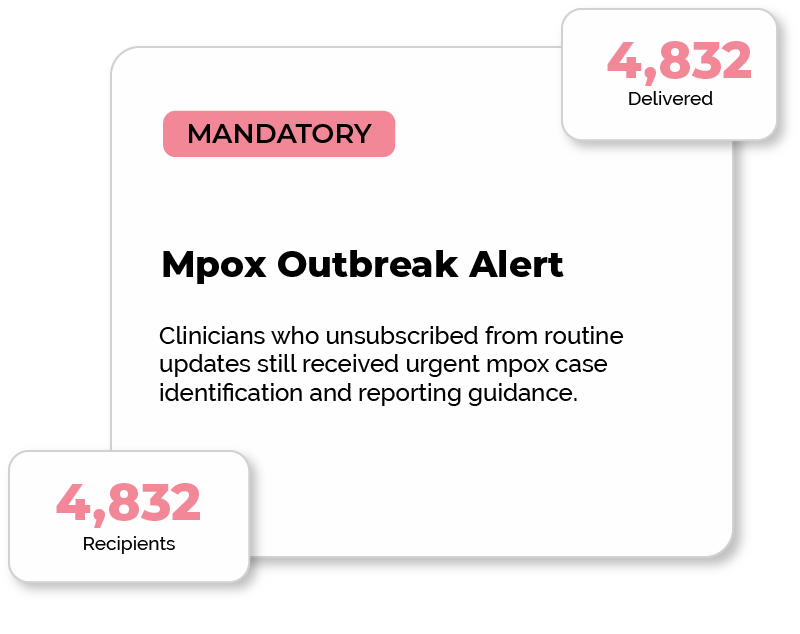
Mandatory Staff Notices
- Reach staff regardless of newsletter subscription status
- Real-time delivery and open tracking per recipient
- Resend to non-openers quickly
- Every message archived with timestamps
OPT-IN
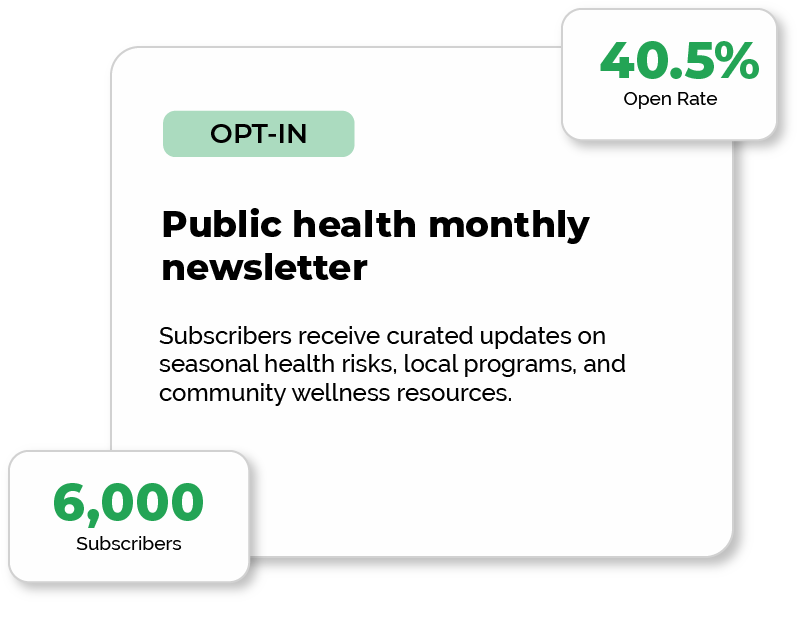
Opt-in Newsletters
- CASL-compliant opt-in and unsubscribe management
- Segment by region or stakeholder type
- Engagement analytics per audience segment
- Manage multiple newsletters from one account
INTERNAL
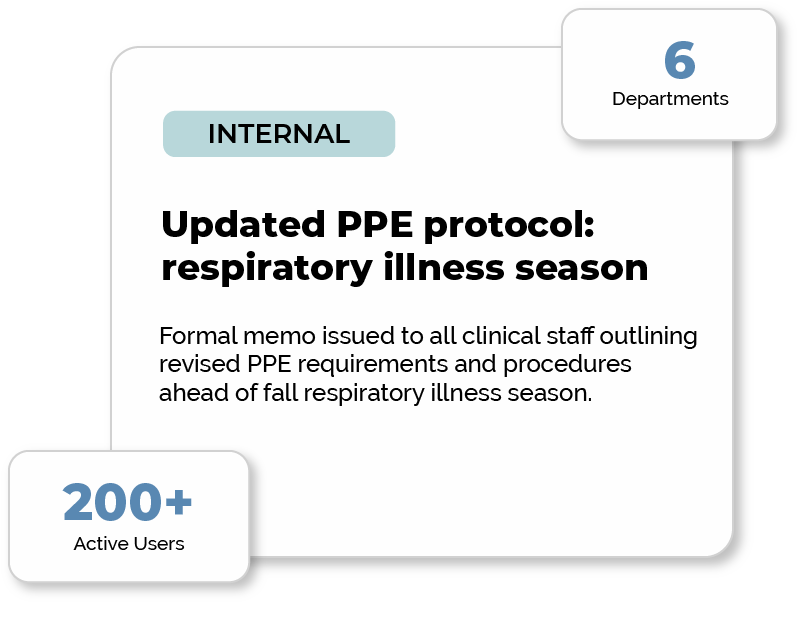
Internal Operational Updates
- Target by department, role or office location
- Searchable message archive for reference
- No IT involvement required for most sends
Why Traditional Email Tools Don’t Work for Mandatory Communications
Most email platforms are built for marketing newsletters, not for accountability-critical public health messaging. That creates gaps when you need to ensure every message is received, not just sent.
Traditional Tools vs Envoke
|
Scenario
|
Standard Email & Newsletter Tools (e.g., Outlook, Mailchimp)
|
Envoke
|
|---|---|---|
|
Sending to all staff (including those who opted out of newsletters)
|
Limited or not supported in structured workflows (opt-in rules or manual workarounds)
|
Support for mandatory communications to defined staff lists
|
|
Emergency or safety updates
|
No guaranteed confirmation of who actually received or saw the message
|
Delivery tracking with recipient-level visibility and follow-up tools
|
|
Compliance communication tracking
|
Basic send/delivery logs (varies by system); often requires manual exports for reporting
|
Centralized, searchable audit trail per message and recipient
|
|
Segmentation by role, department, or locationCompliance communication tracking
|
Often manual (Outlook) or marketing-oriented (newsletter tools)
|
Built-in targeting based on organizational attributes
|
|
Audit readiness
|
Typically requires manual compilation across systems
|
Instant reporting for audits, investigations, or compliance checks
|
WHY IT MATTERS
Most platforms can’t send mandatory messages.
Here’s exactly what that costs you.
A staff member unsubscribed from your newsletters six months ago. Today you need to send an emergency safety update. With a standard email platform — they don’t get it. With Envoke mandatory messaging, they do.
|
Scenario
|
Mandatory Messages via Envoke
|
Newsletter / standard opt-in
|
|---|---|---|
|
Reach staff who've unsubscribed
Emergency alerts must reach everyone. If even one person misses a safety update because they unsubscribed from a newsletter, that's a liability. |
|
|
|
Send without CASL opt-in
Mandatory notices aren't marketing. You shouldn't need an opt-in to tell your staff about a protocol change. |
|
|
Both message types include: delivery audit trail, per-recipient open tracking, resend to non-openers, and department/role segmentation.
GETTING STARTED
Up and running in under a day
Connect your staff and contact lists
Import your directory or sync with your existing systems. Segment by role, department, or location.Send the right type of message
Choose between mandatory, opt-in, or internal communications, all from one platform.See exactly what happened
Track deliveries, opens, and non-openers in real time. Follow up instantly with anyone who hasn’t engaged.Maintain a complete audit trail
Every message is archived and searchable, so when someone asks “was this communicated?”, you have the answer instantly.Your data stays in Canada. Full stop.
Envoke is hosted entirely on Canadian servers. For public health organizations navigating PHIPA, PIPEDA, and provincial privacy requirements, that’s not a minor detail — it’s often a procurement requirement.
No US-based cloud infrastructure. No ambiguity about where staff data or patient-adjacent communications are processed. No surprise currency conversions on your invoice.
If your IT or legal team requires a security review, we have documentation ready to make that process as smooth as possible.

- Canadian Hosted
- CASL Compliant
- Priced in CAD
Want to hear how other public health teams use Envoke before committing to a demo?
We can connect you directly with a communications professional who’s happy to share their experience.
Talk to a peer first.
Reach out and we’ll make the introduction — no sales call required.
Frequently Asked Questions
Yes. Mandatory messaging allows you to send critical updates to your full staff list regardless of subscription status while remaining CASL compliant.
This ensures emergency notices, safety updates, and HR communications reach everyone.
Yes. Envoke connects to your existing CRM or HR system to keep contact lists in sync automatically, so you’re not manually importing staff lists every time someone joins or leaves.
Outlook can send an email.
It can’t tell you who opened it, who ignored it, or who never received it at all.
There’s no resend to non-openers, no audit trail, and no way to segment by department or role. For casual updates that might be fine, but for mandatory communications about safety protocols, HR deadlines, or operational notices, you need more visibility and control.
Envoke gives communications teams the tools Outlook simply wasn’t built to provide.
Most organizations can get started quickly with minimal IT involvement.
Envoke provides step-by-step resources to help your team import staff lists, set up segments, and configure communications. Our support team is available to answer questions or provide guidance if needed.
If your organization requires a security or IT review, we can provide documentation to make that process smoother.
Envoke is hosted entirely in Canada, on Canadian servers. Your staff data, contact lists, and message archives never leave the country.
For public health organizations with obligations under PHIPA, PIPEDA, or provincial privacy legislation, that’s often a hard procurement requirement, not a nice-to-have. We can provide security documentation to support your IT or legal review process if needed.
Start a 30 day trial
- No credit card required
- Free account setup and training
- Free data migration of your existing data and campaigns
- Unlimited customer support
Start a fully loaded trial account
30 days free access:
- All features included
- Unlimited support
- Free account setup and training
- No credit card required
Let’s discuss your requirements to establish or rule out a fit.
Trial accounts include full support and all functionality.